
Curriculum
What we teach
We run three programs: an Introduction to Cybersecurity assembly for upper elementary students, a training workshop for senior residence staff that comes with a written guide, and an expert panel for high schoolers. Everything below is taken from the material we actually present.
The password lab and the phishing hunt are two activities from the elementary assembly. You can try both of them here.
Activity 01
The password lab
We teach that strong passwords are CLOUDS: complex, lengthy, only yours, unique, different for every site, and changed regularly. Type something in and the six checks update as you go. The crack time assumes an attacker guessing four billion times a second, which is the figure we use in the assembly.
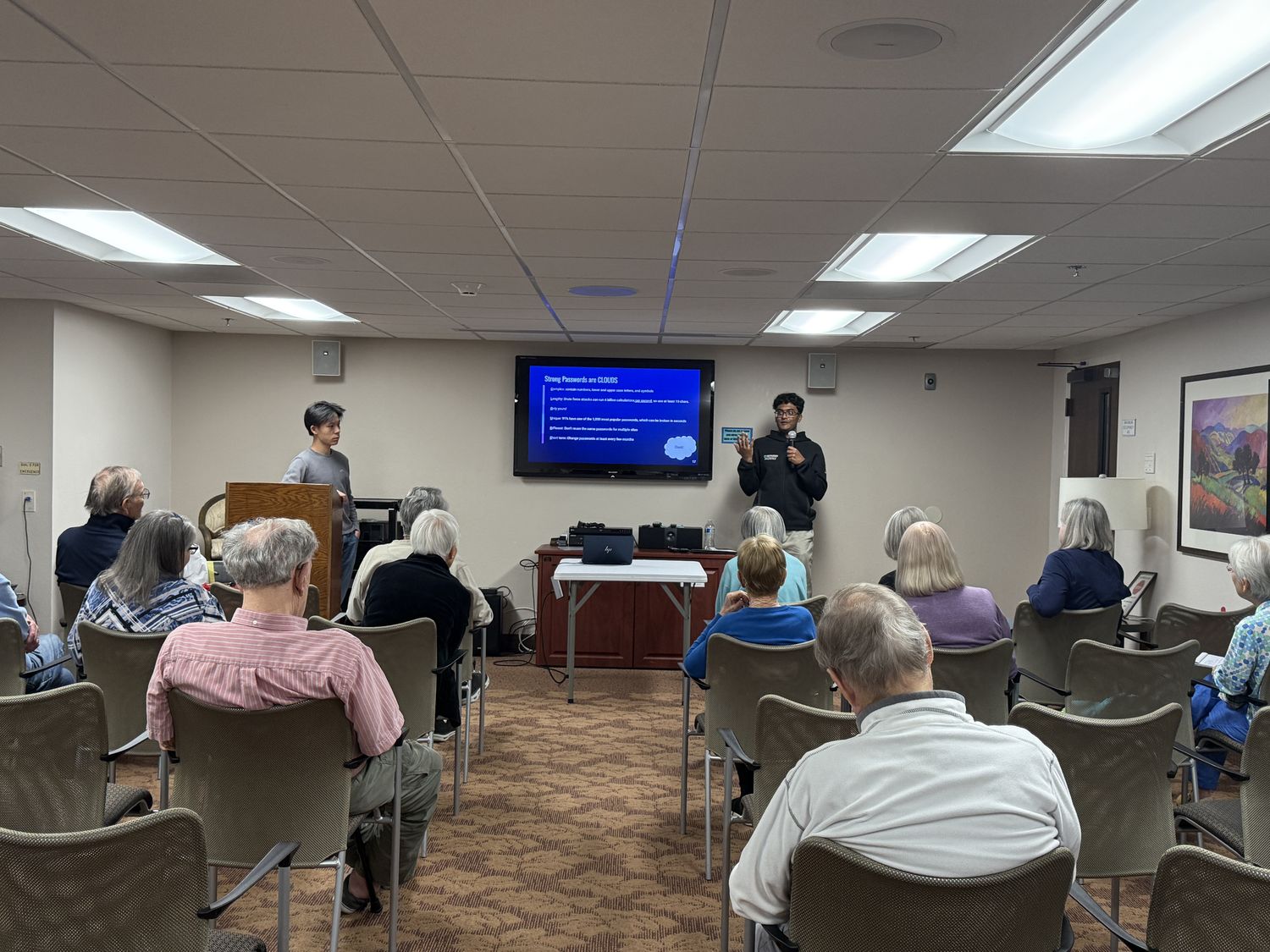
This runs entirely in your browser. Nothing you type is sent anywhere or saved. Even so, do not paste in a password you actually use. That habit is the whole point of the lesson.
Activity 02
Spot the phish
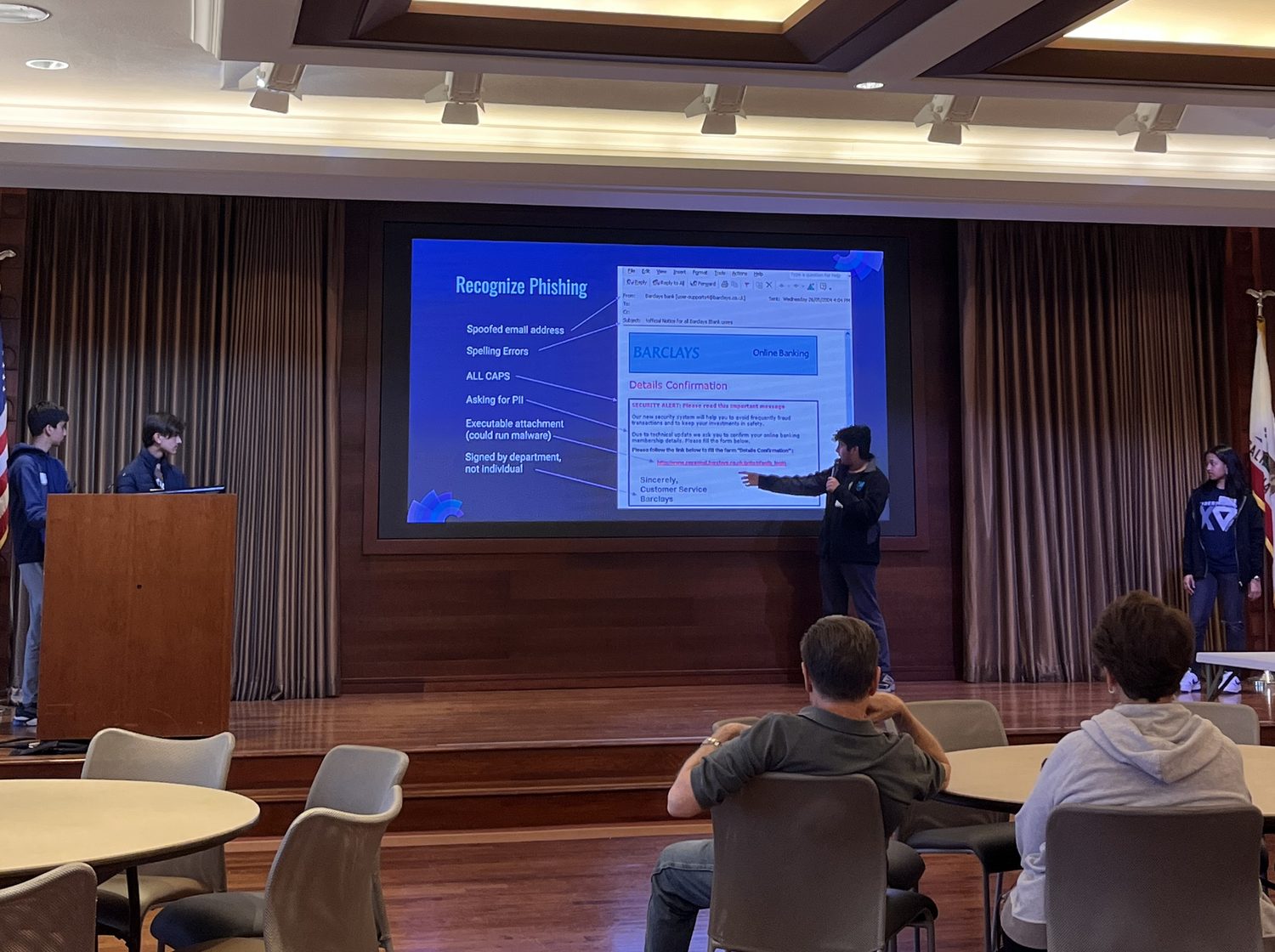
This is the message we put on screen partway through the assembly. There are five things wrong with it. Tap each one you can find.
CLICK NOW TO CLAIM!!!
Terms and conditions apply.
Elementary assembly
Introduction to Cybersecurity
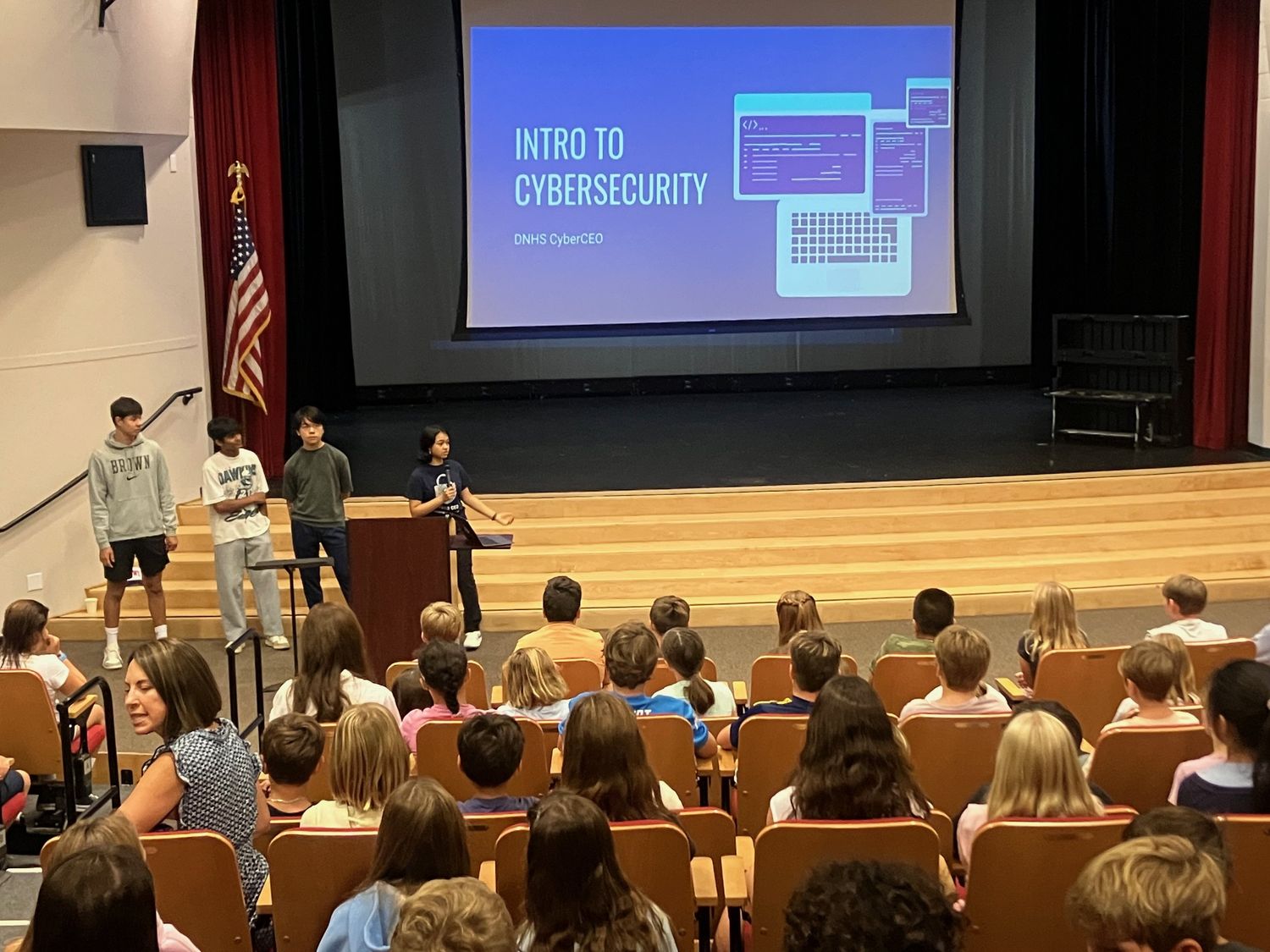
Written for fourth and fifth graders and delivered as a full class assembly. It fits a standard class period. The order alternates explanation and games so that no section runs long enough to lose the room.
Run of show
- 01 What and why
- Cybersecurity defined, then WannaCry, the CrowdStrike outage, and Stuxnet as proof that it is not abstract.
- 02 Passwords
- The CLOUDS rule, then rebuilding 1234 step by step into something that takes centuries.
- 03 Password game
- One student per class spins a wheel, draws cards, and builds a password. Longest crack time wins.
- 04 CIA triad
- Confidentiality, integrity, and availability. The three things security is actually protecting.
- 05 How computers work
- Input, storage, memory, software, and output, plus a short tour of Windows, macOS, and Linux.
- 06 Threat vocabulary
- Threat, vulnerability, exploit, and risk, and how the four fit together.
- 07 Social engineering
- Phishing, spear phishing, vishing, and smishing, then the phishing hunt above.
- 08 Malware
- Viruses, worms, trojans, keyloggers, botnets, backdoors, and logic bombs, plus what antivirus software does.
- 09 ABCyber
- Whole class game. Spin a letter, name a cybersecurity term starting with it, and explain what it means.
- 10 Cipher busters
- Decode a message in Morse code to finish.
Malware, in the words we use
- Virus / worm
- Infects and spreads, with or without a human helping it along.
- Trojan horse
- A program with a hidden malicious function.
- Keylogger
- Tracks what you type to get passwords and personal information.
- Botnet
- Compromised computers under the control of an attacker.
- Backdoor
- A way into a program that skips the normal security checks.
- Logic bomb
- Malware that stays dormant until a specific condition is met.
Booking one
An assembly works for a single class or a full grade level. We supply the slides, the wheel, the cards, and the student presenters. Schools need a projector and sound. There is no cost.
Senior residences
Staff training and the caretaker guide
Senior residents are one of the most targeted groups for phone, text, and email fraud, and the caretakers who support them are usually the first person a resident tells. We built the program around that.
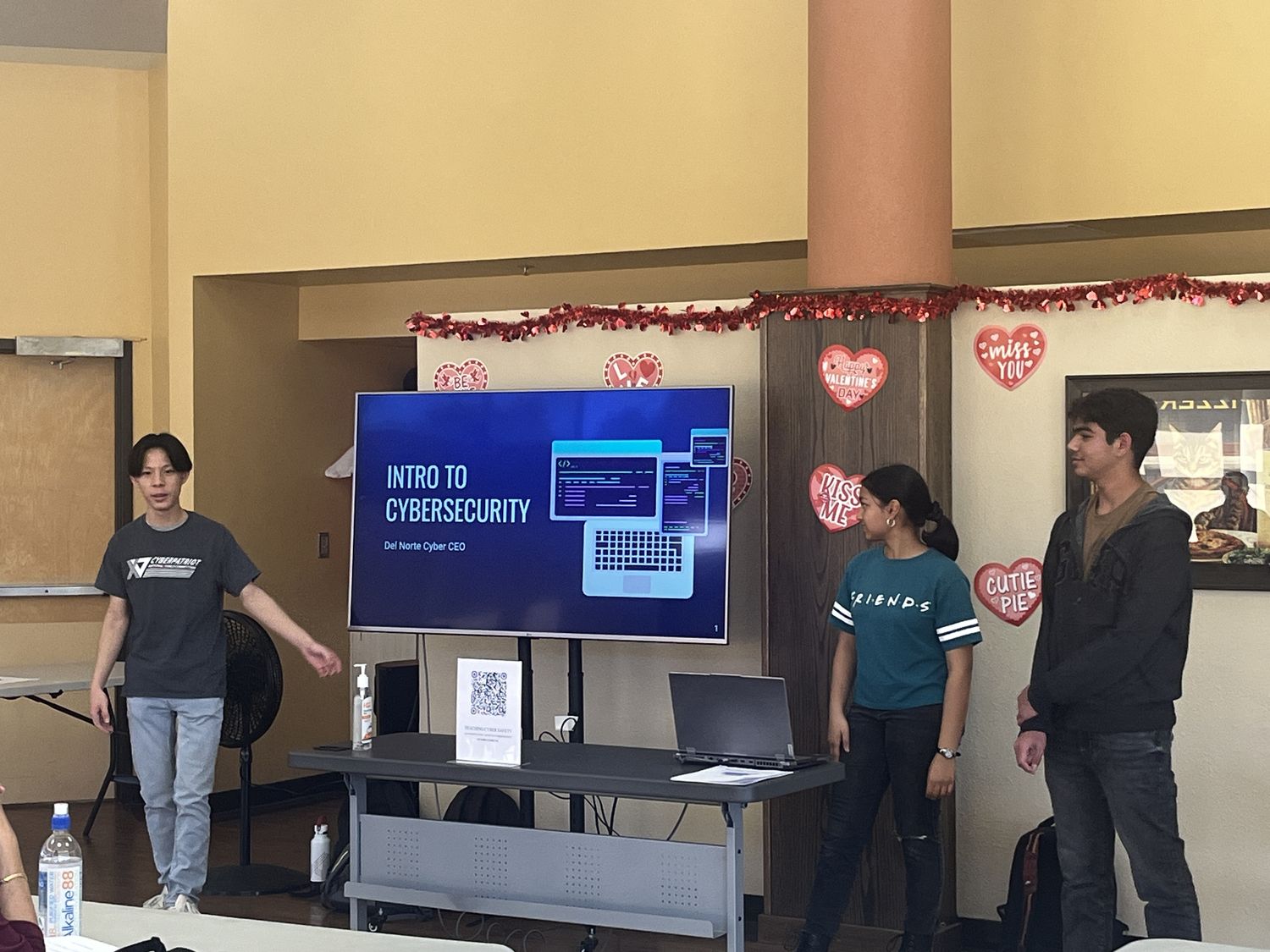
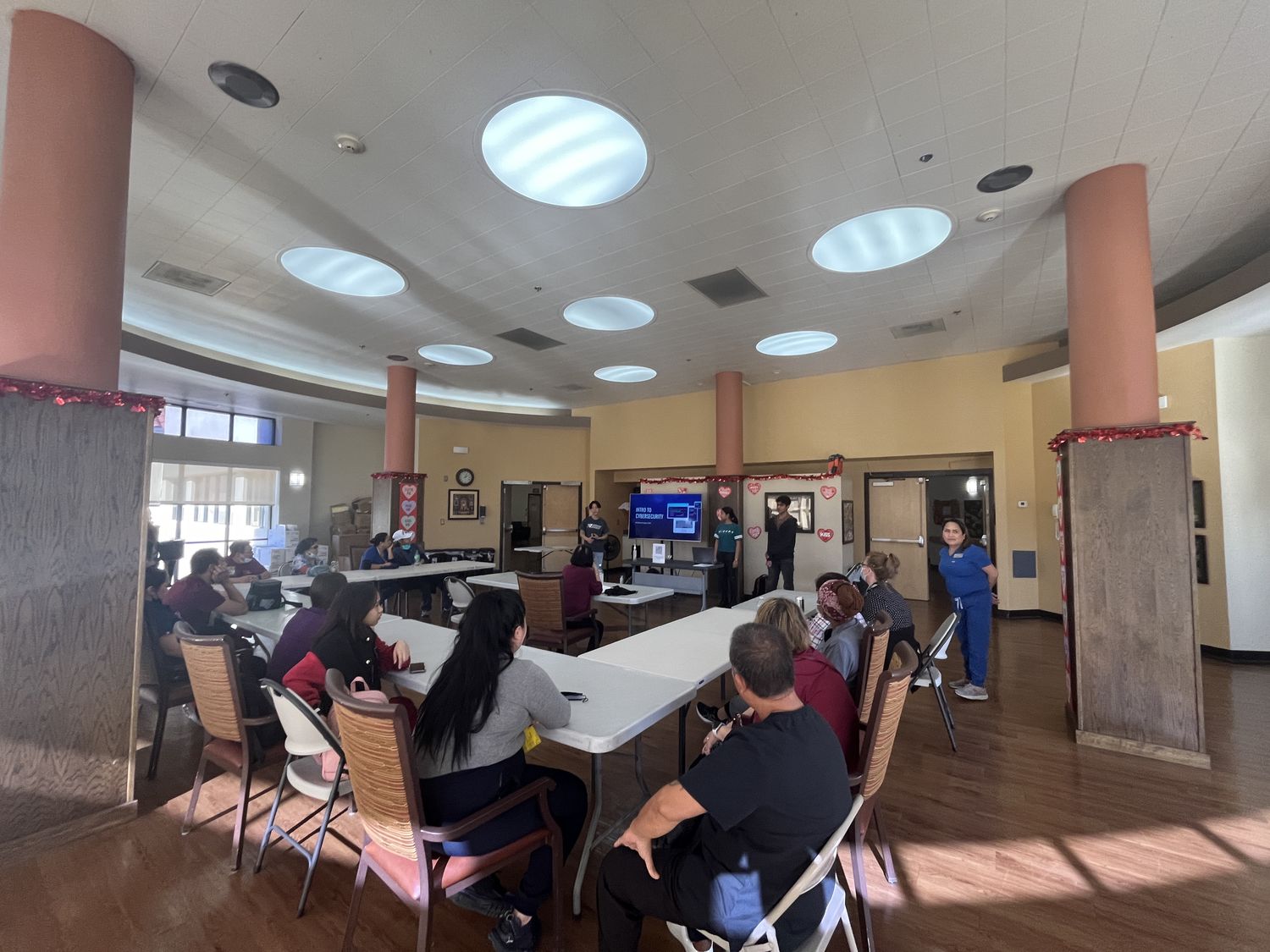
We run an Introduction to Cybersecurity workshop adapted for staff at senior residences, covering the scams that actually target older adults and how to walk a resident through one calmly. So far we have trained 30 staff at Villa Rancho Bernardo and 15 staff at Casa de las Campanas, alongside 15 residents.
The workshop is only part of it. We leave every residence with a written guide so the help continues after we go home.
Who the training is for
- Caretakers
- The staff who sit with residents day to day and get asked the questions first.
- Front desk
- Often the first to hear about a suspicious call or an unexpected visitor.
- Activity staff
- Can fold short cyber safety refreshers into programming they already run.
- Residents
- Where a residence wants us to teach residents directly, we do that too.
Leave behind
Teaching Cyber Safety Instructional Guide
A written manual for senior center caretakers to refer back to after our lesson. It is built in two halves: how to protect a resident before anything happens, and exactly what to do if something already has.
Before: protecting a resident
- Setting up and recording strong passwords in a way a resident can actually use.
- Turning on two step verification and account recovery options.
- Keeping devices and apps updated.
- Checking privacy settings on phones, tablets, and social media.
- Recognizing the scams that target older adults most: fake grandchild calls, tech support pop ups, prize notifications, and fraudulent bills.
- Agreeing in advance who a resident should check with before sending money or sharing information.
After: if something has happened
- Stop contact. Do not send anything further, and do not click anything else in the message.
- Disconnect the device from the internet if a program was installed or remote access was given.
- Change passwords from a different, known clean device, starting with email.
- Call the bank or card issuer straight away to stop payments and flag the account.
- Place a fraud alert or freeze with the credit bureaus if personal information was shared.
- Report it. Local police, and the FTC at reportfraud.ftc.gov.
- Tell the residence and the resident's family, and write down what happened while it is fresh.
- Follow up. Scammers often come back to someone who paid once.
The guide is free to any residence we work with. If your staff would find it useful, ask us for a copy.
High school
Cybersecurity Expert Panel
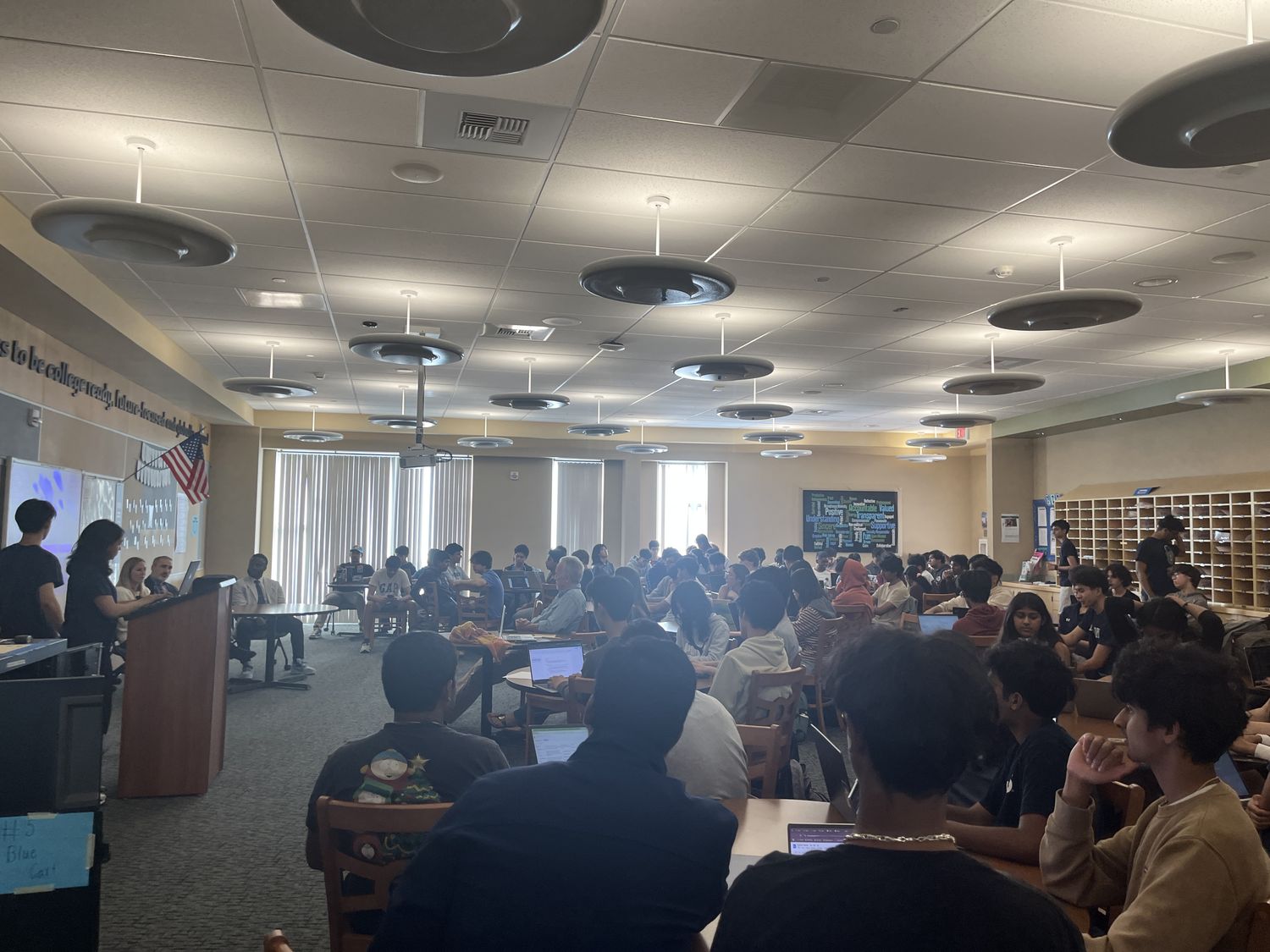
We bring working professionals to Del Norte to answer student questions. The panel runs in three segments with moderated and student submitted questions throughout.
Segment 01
Cybersecurity landscape
Real world threats, and what actually lands in a working analyst's inbox.
Segment 02
Career opportunities
Roles, certifications, degrees, and the routes into the field that skip the degree.
Segment 03
Future of cybersecurity
Where the field is heading and which skills hold their value.
Credits
Where the material comes from
Our elementary curriculum draws on materials from CyberPatriot and the Air Force Association, adapted and rewritten for a younger audience by the CyberCEO curriculum subteam. The password lab and phishing activity on this page are our own.